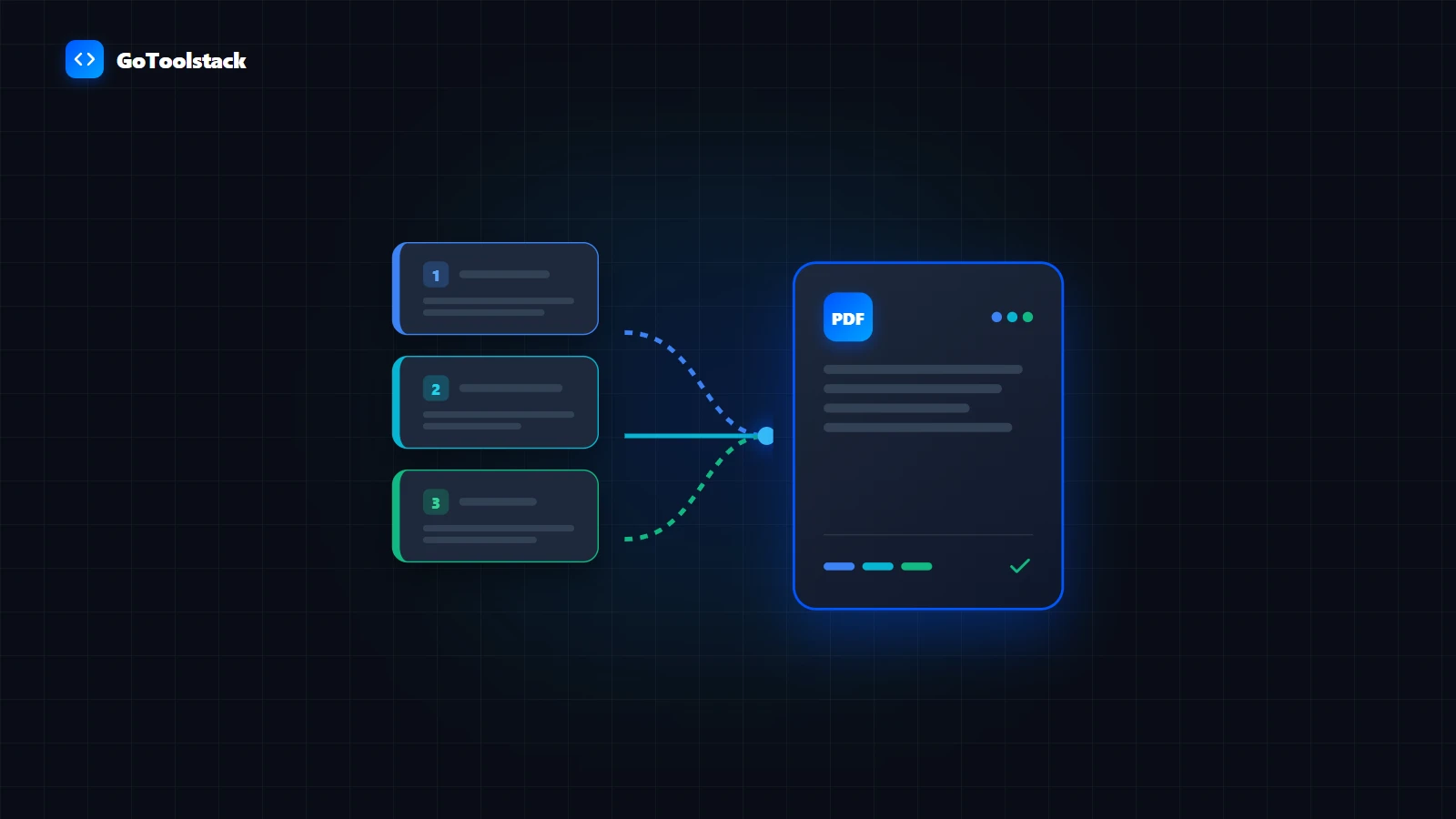
PDF Merger & Document Combiner
Combine multiple PDF documents and images into a single cohesive, ordered PDF file.
Open Tool →
Comprehensive collection of private, client-side PDF utilities. Merge multiple files in exact sequence, extract or reorder individual pages, reduce file sizes for portal uploads, and add passwords or redact sensitive fields — all processed directly in your device memory with zero server uploads.
Combine multiple source documents, extract page ranges, rotate landscape sheets, or reorder pages inside a single workspace.
Turn smartphone scans and images into standardized multi-page PDF files, or extract embedded raster images back to your computer.
Reduce PDF file sizes to meet email attachment limits and strict government or corporate portal size caps.
Protect confidential files with AES encryption, black out private numbers, inspect internal metadata, apply page numbering, and attempt damaged structure recovery.
Maintains vector text quality without rasterization; offers manual arrow ordering.
PDF Merge →Extract custom page ranges (e.g. 1-3, 5) with instant client-side file generation.
PDF Split →Renders pages to compressed JPEG canvas layers to aggressively shrink megabytes.
PDF Compress →Visual thumbnail-based workspace with page rotation, deletion, and blank page insertion.
PDF Page Manager →Customizable position, margin offsets, font styling, and Roman/Arabic numbering.
PDF Page Numberer →Applies standard client-side password encryption before the document leaves your device.
Protect PDF →Draws opaque black redaction rectangles over sensitive coordinates directly in the browser.
PDF Redact →PDF Merge, PDF Split, and PDF Page Manager preserve original vector text streams, fonts, and hyperlinks (powered by pdf-lib). In contrast, PDF Compress renders pages to HTML5 Canvas images to achieve aggressive byte reductions, which converts selectable text into pixel rasterization. Choose PDF Page Manager if retaining searchable text is required.
All processing occurs directly in your browser tab RAM. While handling 50-page office documents is near-instantaneous, processing extremely large scanned archives (over 100 MB or 500+ high-DPI pages) may encounter device memory limits. Working in batches of 15–20 files is recommended on mobile devices.
Modifying or merging PDF files will invalidate existing cryptographic digital signatures (PKCS#7 / PAdES) because the underlying byte checksum changes. Similarly, dynamic interactive AcroForm fields may be flattened or stripped during structural re-assembly. Keep unmodified originals before editing signed contracts.
Client-side utilities cannot inspect or manipulate encrypted PDF documents without the authorization password. Unlock or decrypt password-protected files with the correct passkey prior to merging or managing pages.
Learn how to combine multiple PDF documents into a single file with exact page sequence. Tested with synthetic files, explains browser-side memory and format limits.
Read Guide →Compare revisions of PDF contracts and reports. Distinguish semantic text changes from visual layout shifts, handle scanned PDFs, and run side-by-side audits.
Read Guide →Diagnose unselectable or uncopyable PDF text. Distinguish scanned image PDFs, rasterized compression (like canvas pdfcompress), DRM copy restrictions, and ToUnicode CMap font mapping errors.
Read Guide →Client-side image tools to compress, resize, crop, convert, and optimize images privately in your browser. Format guides, technical limits, and workflows.
Free in-browser audio and video tools: convert video to MP3, trim sound files, cut clips, screen record, remove silence, and edit ID3 tags without server uploads.
Free client-side text tools: count words, convert letter case, clean duplicate lines, compare text diffs, format markdown, and convert HTML entities without server logging.
Fast, client-side developer utilities: JSON formatter, Base64, SQL, RegEx, JWT, Diff, Cron, and crypto tools. Zero server transmission.
Free client-side financial calculators: plan loan repayments, mortgage amortization schedules, compound interest growth, FIRE retirement, inflation adjustments, and currency conversions.
Free client-side business tools: generate printable invoices, calculate gross margins and VAT, estimate freelance hourly rates, analyze ad ROAS, and track SaaS metrics.
Free client-side wellness and daily living tools: calculate BMR, TDEE energy needs, body fat percentage, 90-minute REM sleep cycles, water intake, and fasting schedules privately.
Free client-side measurement and time tools: convert metric and imperial units, calculate date spans, track Schengen 90/180 visa days, compare international clothing sizes, and view world timezones.
Free client-side generators: create custom QR codes, generate secure passwords, batch UUID v4, cryptographic hashes, RSA key pairs, and offline OCR recognition.